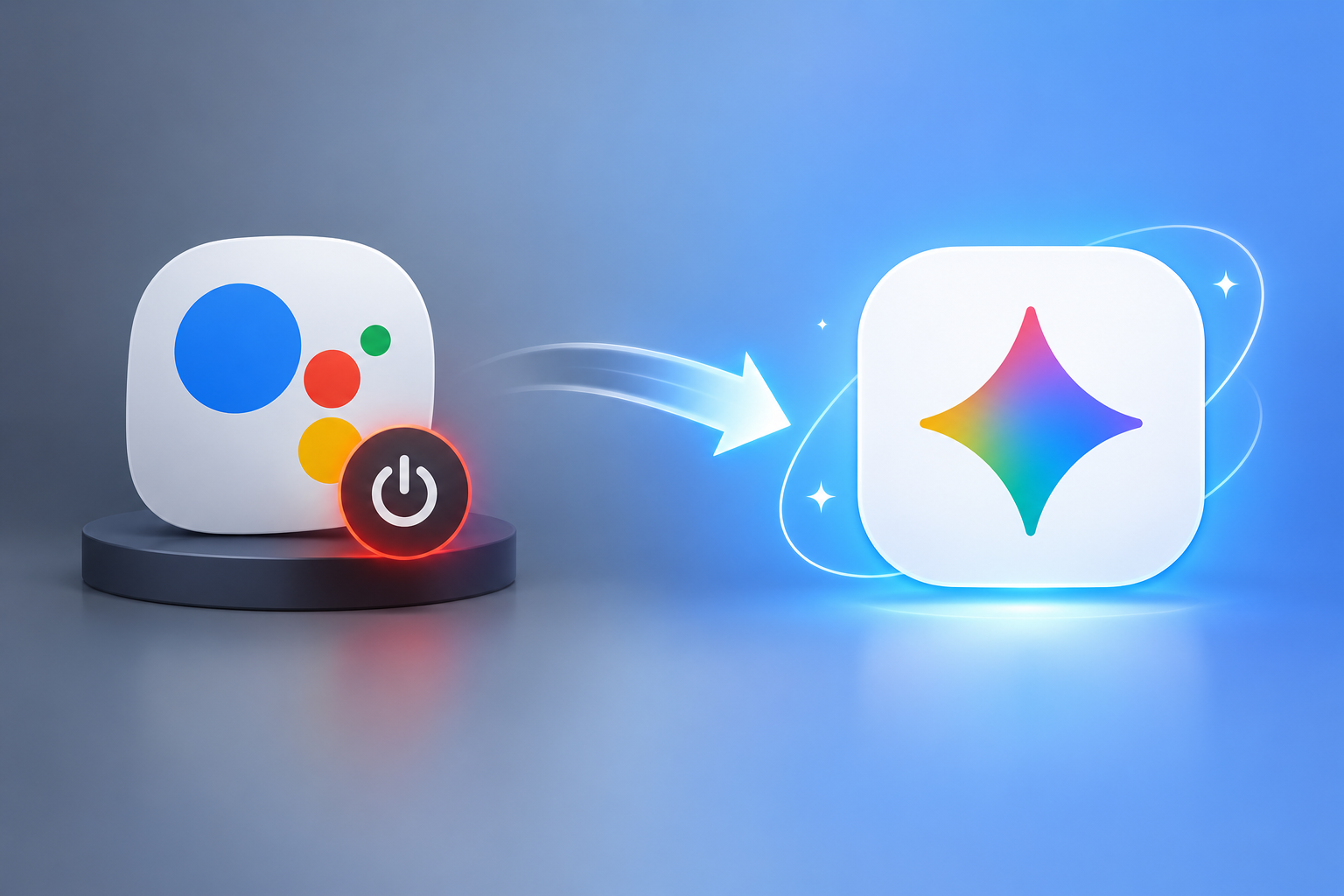
If you’ve been getting emails from Google about your assistant “changing soon,” you’re not imagining it. Google Assistant shutting down is now official, not speculation — the company has set a hard date, and this time there’s no fallback option once it’s gone.
For over a decade, Google Assistant has quietly run alarms, read out messages, and controlled smart lights across millions of Android phones. That run is ending. Gemini is taking its place, and unlike past updates where you could always switch back, this transition removes the old assistant for good.
In this post, we’ll break down exactly what’s happening, which devices are affected, why Google is making this move, and what it signals for anyone building a career around AI, apps, or digital tools — including students weighing a digital marketing course in Jaipur as AI reshapes how people search and interact with brands online.
Google Assistant shutting down Timeline
Google confirmed that the shutdown begins September 4, 2026. That’s the date Google starts pulling Assistant access from eligible Android devices, though the company has said the full rollout could take several weeks to reach everyone.
Here’s the part that matters most: once Assistant is removed from your device, there’s no toggle to bring it back. The “Switch to Google Assistant” option that’s existed inside the Gemini app disappears along with everything else.
This isn’t Google’s first attempt at this date, either. The shutdown was originally planned for late 2025, then pushed back — reportedly because Gemini wasn’t yet reliable enough with simple, everyday commands like setting a precise alarm or controlling a smart plug without fumbling the request. The extra months were Google’s way of buying time to close that gap before forcing the switch.
Which Devices Are Affected
Not everything running Google Assistant is going away at once. The September 2026 shutdown specifically covers:
- Android phones and tablets
- Wear OS smartwatches
- Compatible headphones and earbuds
- Vehicles using Android Auto projected from your phone
What’s staying, at least for now:
- Cars with Google built-in (the version baked directly into the vehicle’s own system) keep Assistant working beyond September 4
- Google Home speakers and smart displays
- Google TV devices
Google has said Gemini is coming to these platforms too, just not on the same forced timeline. So if your Nest speaker is still answering questions with the classic Assistant voice, that’s expected — for now.
What About iPhone Users?
If you’ve used Google Assistant through the Google app on an iPhone, this particular shutdown doesn’t directly apply to you the same way. That setup was never running the deeper Android-integrated version of Assistant, so iOS users are largely outside the scope of this specific Android-and-Wear-OS cutoff.
Why Is Google Assistant shutting down Assistant Now
The short answer: Google wants one AI system running everything, not two competing products.
Over the course of 2026, Gemini has been folded into Search, Workspace, Photos, and most of Google’s other flagship products one at a time. Assistant was one of the last major holdouts still running on the older, rules-based system rather than a large language model. Retiring it lines up your phone’s voice assistant with the same AI already powering the rest of your Google account.
There’s also a practical reason behind the delay-then-push pattern. A general-purpose AI model like Gemini works differently from the old deterministic Assistant. Assistant followed fixed rules — say “set a timer for 10 minutes,” and it did exactly that, every time. Gemini reasons through requests more flexibly, which is powerful for complex questions but has occasionally struggled with the boring, predictable tasks Assistant handled without fail. Whether Gemini can now match that reliability for everyday commands is, frankly, still being tested in the real world as the rollout happens.
What You Actually Lose When Assistant Disappears
For most casual users, the day-to-day experience won’t feel dramatically different — Gemini can already do most of what Assistant did, plus a lot it couldn’t. But a few things are worth knowing before the Google Assistant shutdown reaches your device:
- No opt-out once it’s removed. Google has been direct about this: once availability is pulled from your account, you can’t switch back to the old Assistant.
- Routines and habits may need rebuilding. Custom routines, specific wake-word behaviors, and some third-party smart home integrations built around Assistant’s exact command structure may not carry over identically.
- A learning curve for voice-first users. If you rely heavily on hands-free commands — while driving, cooking, or multitasking — expect a short adjustment period as Gemini’s response style differs from Assistant’s.
None of this is catastrophic, but it’s not nothing either, especially for households with multiple connected devices set up around Assistant’s quirks.
How to Prepare Before September 2026
You don’t need to wait for the forced switch to find out how Gemini handles your daily routine.
Test Gemini on Your Own Schedule
Open the Gemini app now and run through your usual commands — alarms, calls, texts, navigation, smart home controls. If something doesn’t work the way you expect, you’ll find out with time to adjust, rather than discovering the gap the day your Assistant access disappears.
Rebuild Key Routines Early
If you’ve set up custom routines (like a “Good Morning” command that turns on lights, reads the news, and gives you traffic), recreate the equivalent in Gemini before the old version is pulled, so you’re not starting from scratch under pressure.
Check Your Connected Devices
Smart home gadgets tied to Google Assistant may need their app permissions or integrations reconfirmed under Gemini. A quick check now avoids a scramble later.
What This Shift Means If You’re Building a Career in Tech
The Google Assistant shutting down isn’t just a consumer story — it’s a preview of how fast the tools around us are being rebuilt on AI, and it has real implications if you’re studying or working in digital fields.
Voice interfaces, chatbots, and AI-driven customer touchpoints are becoming standard expectations rather than nice-to-haves, which affects how developers build products and how marketers plan for how people actually search and interact with brands. If you’re a student or working professional thinking about where to upskill, this kind of shift is exactly why practical, current training matters more than ever.
At Tech Career, our digital marketing institute in Jaipur builds AI and voice-search literacy directly into the curriculum, so you’re not learning strategies that assume the old rules still apply. If your interest leans more technical — building the apps and integrations that plug into assistants like Gemini — our web development course in Jaipur covers the front-end and back-end skills behind exactly these kinds of AI-integrated products.
How the Assistant Shutdown Affects Voice Search and SEO
For marketers and business owners, there’s a quieter angle to this story worth paying attention to: how people search is changing right alongside how they get answers.
Google Assistant handled voice queries in a fairly predictable, keyword-driven way. Gemini, being a full language model, interprets intent more conversationally — meaning the content that ranks well for AI-driven answers won’t always look like traditional SEO copy. Structured, clearly written content that directly answers a question (much like this FAQ section below) tends to perform better with AI-driven search and assistant results than dense, keyword-stuffed pages.
This is part of why voice and AI search strategy has become a standard module in most digital marketing training today — the fundamentals of SEO haven’t disappeared, but the surface they’re competing on has changed.
Conclusion
Google Assistant shutting down in September 2026 marks the end of a tool that’s been part of Android for over a decade, and Gemini’s takeover is now locked in rather than optional. The rollout affects phones, tablets, Wear OS watches, headphones, and Android Auto — with cars using Google built-in, Google Home, and Google TV keeping Assistant a little longer.
The practical move is simple: test Gemini before your access disappears, rebuild any custom routines early, and don’t wait until the forced switch to find out what’s changed. And if this whole shift has you thinking about how fast AI is reshaping tech careers — from marketing to development — it might be worth exploring where your own skills could use an update.
FAQs on Google Assistant Shutting Down
Q1. When exactly is Google Assistant shutting down?
Google will begin removing Assistant from eligible Android phones, tablets, Wear OS watches, and Android Auto starting September 4, 2026. The full rollout may take a few weeks to reach every device.
Q2. Can I switch back to Google Assistant after Gemini takes over?
No. Once Assistant availability is removed from your account, Google has confirmed there’s no option to revert — Gemini becomes your only assistant on that device.
Q3. Will Google Assistant still work on my smart speaker or Google TV?
Yes, for now. This particular shutdown applies to phones, tablets, Wear OS, headphones, and phone-projected Android Auto. Google Home speakers, smart displays, Google TV, and cars with Google built-in continue running Assistant separately, with Gemini expected to reach them on a different timeline.
Q4. Does this shutdown affect Google Assistant on iPhone?
Not directly. The version of Assistant available through the Google app on iOS was never built the same way as the Android-integrated Assistant, so it falls outside the scope of this specific Android-and-Wear-OS cutoff.
Q5. Why is Google assistant shutting down Assistant instead of just updating it?
Google is consolidating its products around one AI system — Gemini — rather than maintaining two separate assistants built on different technology. Assistant ran on fixed, rule-based logic, while Gemini uses a large language model that can handle more complex, conversational requests.
Q6. What should I do before Google Assistant shutting down reaches my device?
Open the Gemini app now and test your regular commands — alarms, calls, smart home controls, and any custom routines. Rebuilding these before the forced switch means you won’t lose functionality without warning.
Get Full Syllabus on WhatsApp or Book a Free Counselling Call with Tech Career today.