If you’ve spent any time on a marketing team in the last few years, you’ve probably had Canva open in a browser tab right next to your email and your analytics dashboard. That’s not an accident. Canva for marketers has quietly become one of the most-used tools in the industry — not because it replaces a proper design team, but because it lets marketers move fast without waiting on one.
This isn’t a “top 10 templates” listicle. It’s a practical look at what Canva actually does well for marketing work, where it falls short, and how it fits into a real digital marketing workflow — the kind you’d learn hands-on in a proper digital marketing course in Jaipur rather than picking up by trial and error.
By the end of this post, you’ll know exactly which Canva features matter for marketing (and which are just noise), how to use it without falling into the “everything looks the same” trap, and where design tools like Canva fit into a bigger marketing skill set.
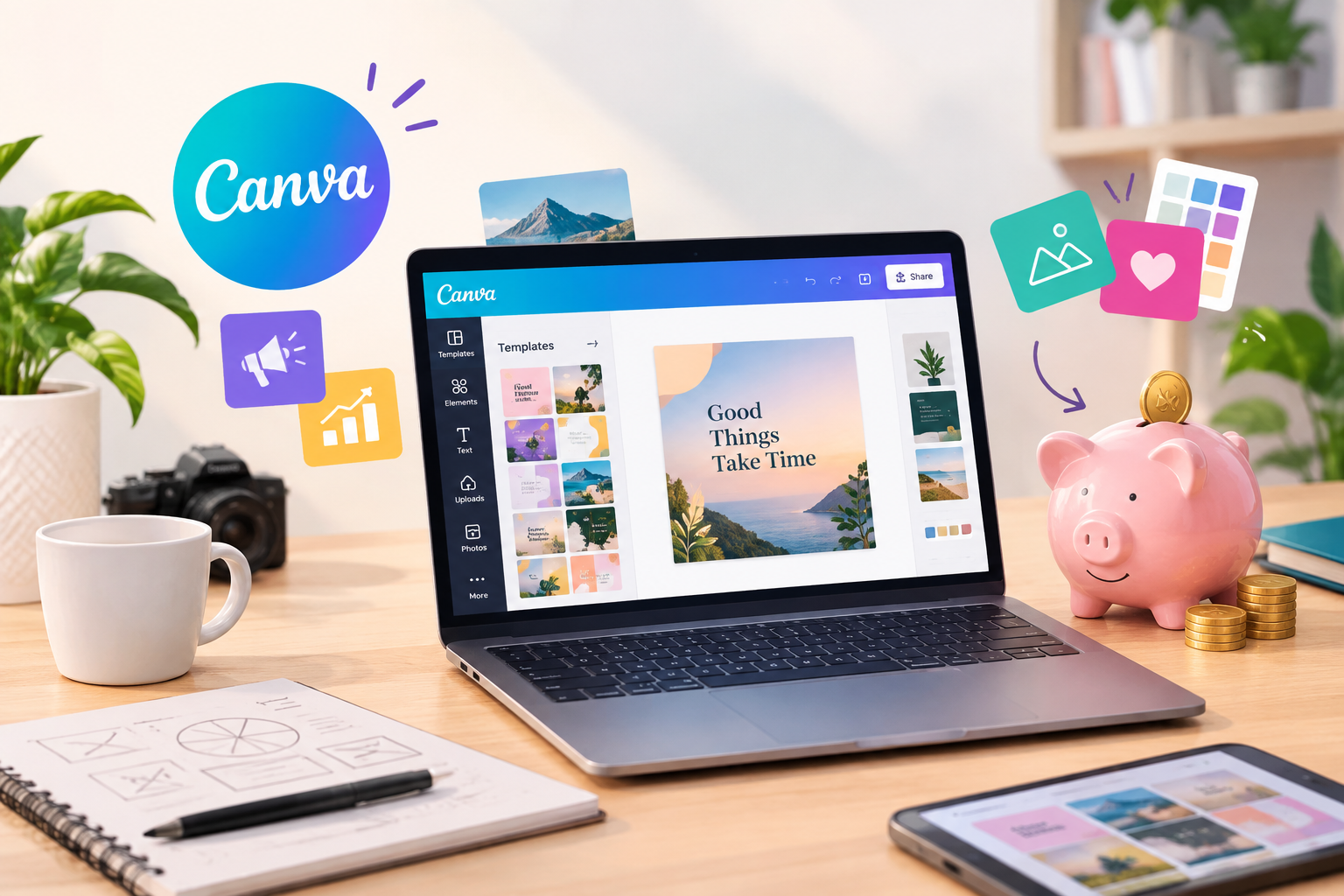
What Is Canva and Why Marketers Rely on It
Canva started as a simple drag-and-drop design tool, but it’s grown into something closer to a full content production platform. For marketers, that shift matters. You’re no longer just making a poster — you’re producing social posts, ad creatives, email banners, one-pagers, and presentation decks, often all in the same week.
The appeal of Canva for marketers comes down to speed and independence. You don’t need to open a ticket with a design team to fix a typo on a Instagram carousel or resize a banner for a new ad placement. That control is valuable when campaigns move fast and deadlines don’t wait for a design queue to clear.
It’s worth being honest about the trade-off, though: Canva is built for speed, not originality. It’s a production tool, not a strategy tool. Understanding that difference is where a lot of marketers go wrong.
Key Canva Features Every Marketer Should Actually Use
Not every feature inside Canva is worth your time. These are the ones that consistently save marketers real hours — and the ones worth mastering if you’re serious about Canva for marketers as a daily tool rather than an occasional one.
Brand Kit and Templates
Setting up a Brand Kit — your logo, brand colours, and fonts — means every piece of content stays visually consistent without you manually matching hex codes each time. For a marketing team producing daily content, this single feature probably saves more time than anything else in the app.
Canva’s AI and Magic Tools
Canva’s built-in AI features (background removal, text-to-image, Magic Resize) are genuinely useful for quick iterations. Magic Resize in particular is a time-saver — turning one Instagram post into a Facebook cover, a story, and a LinkedIn banner in a few clicks instead of redesigning each one from scratch.
Collaboration and Approval Workflows
Marketing content usually needs sign-off from someone else — a manager, a client, a founder. Canva’s comment and approval features let you get feedback directly on the design instead of over email screenshots, which cuts down on the “can you move the logo slightly left” back-and-forth.
How Canva for Marketers Fits Into a Digital Marketing Workflow
Canva for marketers doesn’t work in isolation — it sits inside a bigger content and campaign process. A typical flow looks something like: strategy and content calendar → copywriting → Canva for the visual → scheduling tool → performance tracking.
This is exactly why Canva for marketers works best when the person using it also understands the marketing side of the job — audience targeting, what performs on which platform, what a campaign brief actually needs. A beautifully designed post that doesn’t match the audience’s intent still won’t convert. This is the gap that a structured digital marketing course in Jaipur is built to close: pairing design tools like Canva with the strategy, SEO, and paid media knowledge that makes the design actually work for a business.
Canva vs Traditional Design Tools: When to Use What
Marketers often ask whether Canva is “enough” or whether they need to learn Photoshop or Illustrator too. The honest answer is: it depends on the output.
Canva is well-suited for social media graphics, quick ad variations, presentations, and templated content where speed matters more than pixel-level control. Traditional tools like Photoshop or Illustrator are still better for custom illustration, complex photo editing, print-ready brand assets, and packaging design — work where precision and layered editing matter.
Many marketing teams use both: Canva for daily content, and a graphic design specialist (or a tool like Illustrator) for brand-defining assets. If design is something you want to go deeper into rather than treat as a side skill, a dedicated graphic design course in Jaipur covers the tools and design fundamentals Canva doesn’t teach you.
Practical Ways Marketers Use Canva Day-to-Day
Here’s where Canva for marketers earns its place in the toolkit — in the recurring, everyday output most teams need on tap.
Social Media Creatives
This is the most common use case — daily or weekly post templates, story graphics, and carousel posts, all built off a saved brand template so nothing needs to start from a blank canvas.
Ad Creatives and A/B Variations
Canva makes it easy to produce multiple versions of the same ad — different headlines, colours, or CTAs — for testing on Meta or Google Ads without needing a new design brief each time.
Presentations and Client Reports
Marketing teams increasingly use Canva instead of PowerPoint for client-facing decks and monthly reports, since it’s easier to keep them visually on-brand and quicker to update.
Email and Landing Page Assets
Header banners, promotional graphics, and simple landing page visuals are all well within Canva’s comfort zone, especially when they need to go out same-day.
Common Mistakes Marketers Make With Canva
These are the recurring mistakes that undercut Canva for marketers who otherwise know the tool well.
Relying entirely on templates without customisation. If your posts look identical to a hundred other brands using the same template, that’s a problem — and audiences do notice.
Ignoring platform-specific sizing. A design that looks great on Instagram often gets awkwardly cropped on LinkedIn or a website banner. Magic Resize helps, but it’s not a substitute for checking the final output.
Skipping brand consistency. Without a proper Brand Kit set up, fonts and colours drift between posts, and the brand starts to look inconsistent across channels.
Treating design as strategy. A well-designed graphic with the wrong message, wrong audience, or wrong timing still won’t perform. Canva for marketers works best as an execution tool sitting on top of a real strategy — not a replacement for one.
Building a Career Around Canva and Digital Marketing Skills
Knowing Canva for marketers is a useful, employable skill on its own — but it’s rarely the only thing a marketing role expects. Most job descriptions for social media executives, content marketers, and digital marketing associates list Canva alongside skills like SEO, paid ads, analytics, and campaign planning.
That combination — design execution plus marketing strategy — is exactly what a structured digital marketing course in Jaipur is designed to build, rather than leaving you to figure out how the pieces fit together on your own. If you’re serious about a career where Canva is one tool among several rather than your entire skill set, that’s the gap worth closing early.
Conclusion: Getting the Most Out of Canva for Marketers
Canva for marketers isn’t a trend — it’s become a standard part of how marketing teams produce content quickly without bottlenecking on a design team. Used well, with a proper Brand Kit, sensible platform sizing, and a real strategy behind it, it’s one of the most efficient tools a marketer can have open. Used carelessly, it just produces content that looks like everyone else’s.
The tool itself is the easy part to learn. The harder, more valuable skill is knowing what to design, for whom, and why — and that’s the part worth investing real training time into.
Get Full Syllabus on WhatsApp — message Tech Career to see exactly what’s covered in the digital marketing course in Jaipur, including where tools like Canva fit into the bigger picture.
FAQs About Canva for Marketers
Is Canva good enough for professional marketing work, or do I need Photoshop too?
Canva is genuinely good enough for most day-to-day marketing output — social posts, ad creatives, presentations, and email graphics. Photoshop or Illustrator become more relevant for custom illustration, complex photo editing, or print-ready brand assets, so many marketers end up using both depending on the task.
Does Canva Pro make a real difference for marketers, or is the free version enough?
The free version covers a lot, but Canva Pro adds features marketers use constantly — a proper Brand Kit, Magic Resize across multiple platforms, background remover, and more template variety. For anyone producing content regularly for a brand, Pro tends to pay for itself in time saved.
Can I learn Canva on my own, or is it worth taking a course for it?
Canva itself is simple enough to learn on your own through practice and tutorials. Where a course adds value is teaching you the marketing context around it — what to design, for which platform, targeting which audience — which is what actually makes the design perform.
What’s the biggest mistake marketers make when using Canva?
Treating templates as finished products without customising them to the brand, and using design as a substitute for strategy. A polished graphic with the wrong message or wrong audience still won’t drive results.
Does using Canva count as a “design skill” on a resume for marketing jobs?
Yes, most marketing and social media roles list Canva as an expected tool, similar to how Excel is expected in operations roles. It’s usually listed alongside other skills like content writing, SEO, or paid ads rather than as a standalone qualification.
How is Canva used differently in digital marketing compared to graphic design roles?
In digital marketing, Canva is mostly used for fast-turnaround content tied to campaigns and platforms — social posts, ad creatives, reports. In graphic design roles, tools like Illustrator and Photoshop are typically used for original brand identity work, illustration, and print design, where Canva’s templated approach is more limiting.
Get Full Syllabus on WhatsApp or Book a Free Counselling Call with Tech Career today.