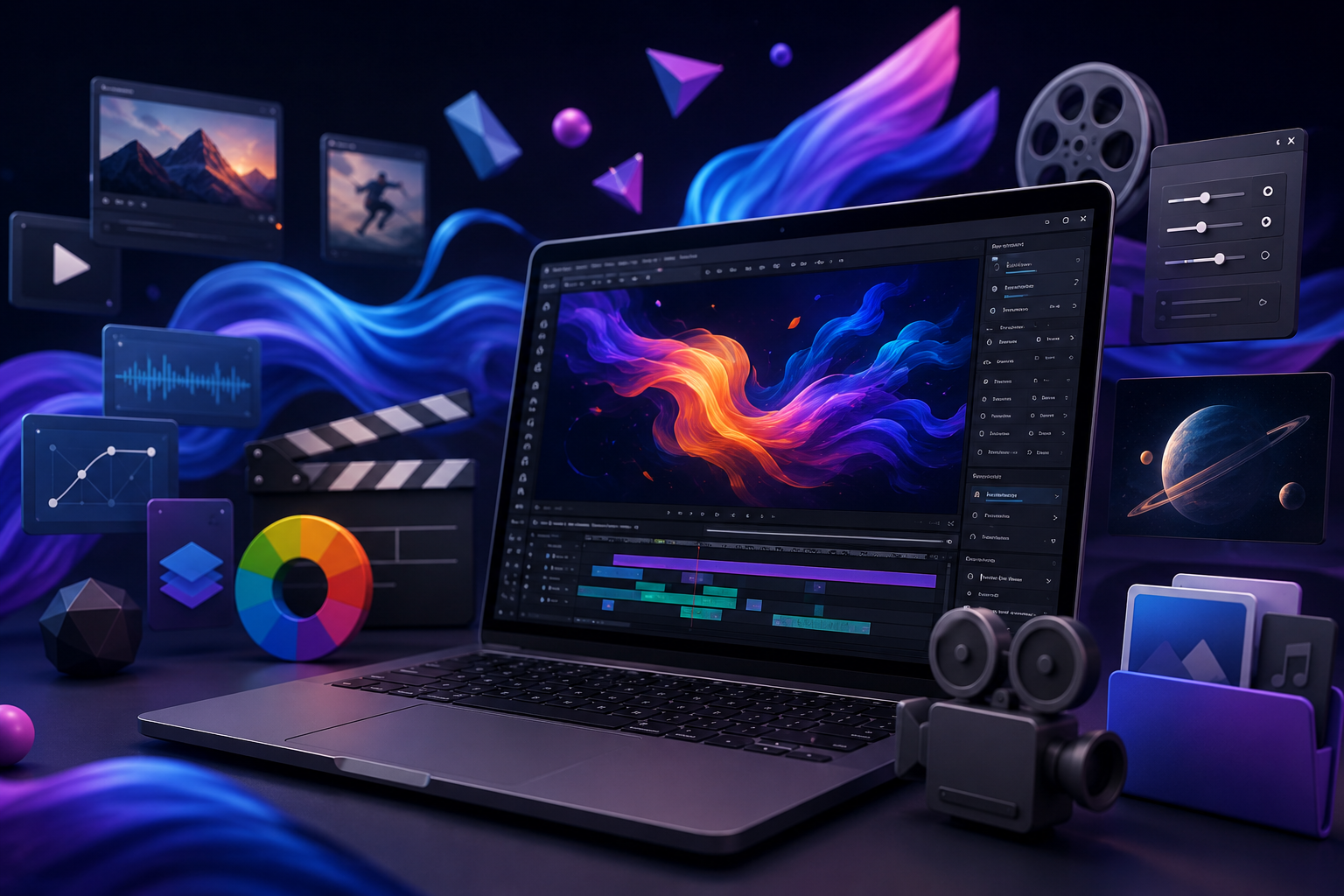
If you’ve ever burned an entire evening scrolling through fifteen free motion graphics assets different websites looking for one decent light-leak overlay, you already know the problem. Motion graphics work is fast-paced, deadline-driven, and constantly demands new visual elements — but not every project has a budget for premium plugins or paid stock libraries.
That’s exactly why a solid bookmark folder matters. The right collection of free motion graphics assets can save you hours per project, whether you’re cutting a reel for a client, building a YouTube intro, or polishing a portfolio piece for job applications. In this guide, we’ve put together a practical, no-fluff list of resources worth saving — templates, VFX packs, sound libraries, fonts, and tools — along with a few notes on usage rights so you don’t run into copyright trouble later.
This list is especially useful if you’re a student or working professional building video and design skills alongside a digital marketing course in Jaipur, since motion graphics increasingly overlaps with content marketing, reels, and ad creatives. Let’s get into it.
Why Motion Graphics Assets Matter for Editors in 2026
Short-form video isn’t slowing down. Reels, YouTube Shorts, product demos, and ad creatives all lean heavily on quick transitions, overlays, and kinetic text — and clients expect that polish without paying premium production costs.
Free motion graphics assets fill that gap. They let editors:
- Prototype ideas quickly before investing in custom animation
- Match trends without waiting on a design team
- Build a portfolio without licensing fees eating into a student or freelance budget
- Speed up repetitive tasks like intros, lower-thirds, and transitions
The catch is quality control. Free doesn’t always mean usable — some libraries bury decent assets under watermarks, outdated formats, or restrictive licenses. The resources below are ones that consistently hold up.
Free Motion Graphics assets Templates and Where to Find Them
Templates are the fastest win — pre-built animations you customize instead of building from scratch.
Mixkit and Pexels
Both platforms offer genuinely free, royalty-free motion templates and stock video clips with no attribution required for most use cases. Mixkit in particular has a decent library of After Effects-style templates alongside raw footage.
Videezy and Motion Array‘s Free Tier
Videezy has a large free section (check individual license terms per clip), and Motion Array occasionally rotates free templates into its “free this month” section — worth checking every few weeks rather than assuming the same items stay available.
Canva’s Free Video Templates
Not every editor works exclusively in After Effects or Premiere. If your workflow includes quick social content, Canva’s free animated templates are a practical shortcut, especially for beginners still building technical skills.
Free VFX and Overlay Packs Worth Bookmarking
Overlays — light leaks, dust particles, glitch effects, film grain — add texture without heavy animation work.
- RocketStock’s free VFX packs occasionally release limited free bundles alongside their paid store; check their blog for current offers.
- Videvo has a consistently updated free VFX and overlay section, including smoke, fire, and light leak clips in HD and 4K.
- Pixabay Video rarely gets mentioned for VFX specifically, but it has a surprising number of usable particle and texture overlays buried in its search results.
When downloading overlays, always check the blend mode recommendations (Screen, Add, Lighten) that come with the source page — it saves guesswork in your editor.
Free Sound Effects and Music Libraries for Motion Projects
Motion graphics without sound design feels incomplete, and this is where a lot of editors under-invest.
YouTube Audio Library
Still one of the most reliable free sources for background music and sound effects, with clear licensing labels for each track.
Freesound.org
A community-driven sound effects library — massive variety, but licenses vary by upload (Creative Commons, CC0, attribution-required), so check each file individually before using it commercially.
Pixabay Audio
Similar royalty-free structure to Pixabay’s video library, useful for whooshes, clicks, and ambient beds without needing attribution.
Free Fonts, Icons and Design Elements for Motion Graphics
Typography animation is a huge part of modern motion work, and font choice matters more than editors often admit.
Google Fonts
Obvious, but underused well — Google Fonts pairs cleanly with most animation software and updates regularly with variable fonts that animate smoothly.
Font Squirrel
Curated, commercial-use-friendly fonts with clear licensing per family, which matters if the final output is for a paying client.
Flaticon and Icons8 (Free Tiers)
Both offer free icon packs (usually with attribution requirements on the free tier) that work well for lower-third graphics, UI mockups, and explainer-style motion content.
Free Plugins and Tools That Speed Up Motion Graphics Work
Assets are only half the equation — the right tools change how fast you can actually use them.
Free After Effects Plugins
- Motion Bro (limited free version) – transitions and shape pack
- Rift – free glitch and displacement effect plugin
- Video Copilot’s free tutorials and assets – not all free, but their site regularly hosts free plugins alongside paid ones
Free Alternatives to Premium Software
If licensing costs are a barrier, DaVinci Resolve’s free version includes surprisingly capable motion graphics tools (Fusion tab) that rival paid software for most freelance and student work.
How to Use These free motion graphics Assets Without Copyright Trouble
This is the part editors skip and regret later, especially when working on client or commercial projects.
- Read the license, not just the download button. “Free” can mean CC0 (no restrictions), Creative Commons with attribution, or “free for personal use only” — these are very different things.
- Keep a record. Save the source link and license type for every asset you use in a client project. If a client ever questions usage rights, you want proof.
- Avoid stacking unclear sources. If you can’t verify a clip or track’s origin, don’t use it in paid work — the risk isn’t worth the shortcut.
- Watch for platform-specific restrictions. Some free libraries restrict use in ads or monetized content even if the general license looks permissive.
None of this is about scaring you off free resources — it’s about using them the way professionals actually do, without cutting corners that come back later.
Building a Career Around Motion Graphics and Video Editing Skills
Bookmarking free motion graphics assets is useful, but it’s not a substitute for structured skill-building. Editors who move into stable freelance or agency work usually pair asset knowledge with a real understanding of design principles, animation timing, and how motion content fits into a brand’s broader strategy.
If you’re exploring this as a career path rather than a hobby, it’s worth looking at a graphic design course in Jaipur that covers motion fundamentals alongside static design — the two skill sets increasingly overlap in real job requirements. And since so much motion graphics work today ends up feeding into ad campaigns, social content, and brand storytelling, pairing that skill with a digital marketing institute in Jaipur gives you a much wider range of freelance and full-time opportunities than either skill alone.
Entry-level pay for motion graphics and video editing roles varies widely by city, portfolio strength, and whether you’re freelancing or salaried — as a general guide, junior roles typically start in the low-to-mid five figures per month in India and scale with a demonstrable portfolio and speed.
Conclusion
A strong bookmark folder of free motion graphics assets won’t replace skill or creativity, but it will save you real time — and for editors juggling multiple client deadlines or building a portfolio from scratch, that time adds up fast. Start with two or three sources from each category above rather than trying to hoard everything at once; a smaller, reliable set beats a messy folder of half-checked downloads.
If you’re serious about turning motion graphics and video skills into a career rather than a side hobby, structured training makes the learning curve shorter and the portfolio stronger.
Get Full Syllabus on WhatsApp — message Tech Career to know more about our Graphic Design and Digital Marketing courses in Jaipur.
FAQs
1. Are free motion graphics assets safe to use in commercial client projects?
Some are, some aren’t — it depends entirely on the individual license attached to each asset. Always check whether the source specifies “commercial use allowed” before including it in paid client work.
2. What’s the difference between royalty-free and copyright-free assets?
Royalty-free means you pay once (or nothing) and can reuse the asset without ongoing fees, but restrictions may still apply. Copyright-free (like CC0) means the creator has waived rights entirely, making it the safest option for unrestricted use.
3. Which software works best with free motion graphics templates?
Most free templates are built for Adobe After Effects or Premiere Pro, but platforms like Canva and DaVinci Resolve’s Fusion tab now support a growing number of free, editable motion assets too.
4. Do I need to credit the creator when using free sound effects or overlays?
It depends on the license type. Creative Commons Attribution requires a credit line, while CC0 or public domain assets don’t. Always check the specific terms on the download page rather than assuming.
5. How often should I update my bookmark list of free assets?
Every few months is reasonable — free libraries rotate their “free this month” sections, and older links sometimes go dead or move behind a paywall, so a quick recheck avoids relying on broken sources.
6. Can learning motion graphics help with a digital marketing career?
Yes — brands increasingly need editors who understand both visual storytelling and marketing strategy, which is why motion graphics skills pair well with structured training in areas like content strategy and ad creatives. carousel look intentional rather than thrown together — is a skill that improves faster with proper training, such as a graphic design or digital marketing course.
Get Full Syllabus on WhatsApp or Book a Free Counselling Call with Tech Career today.